
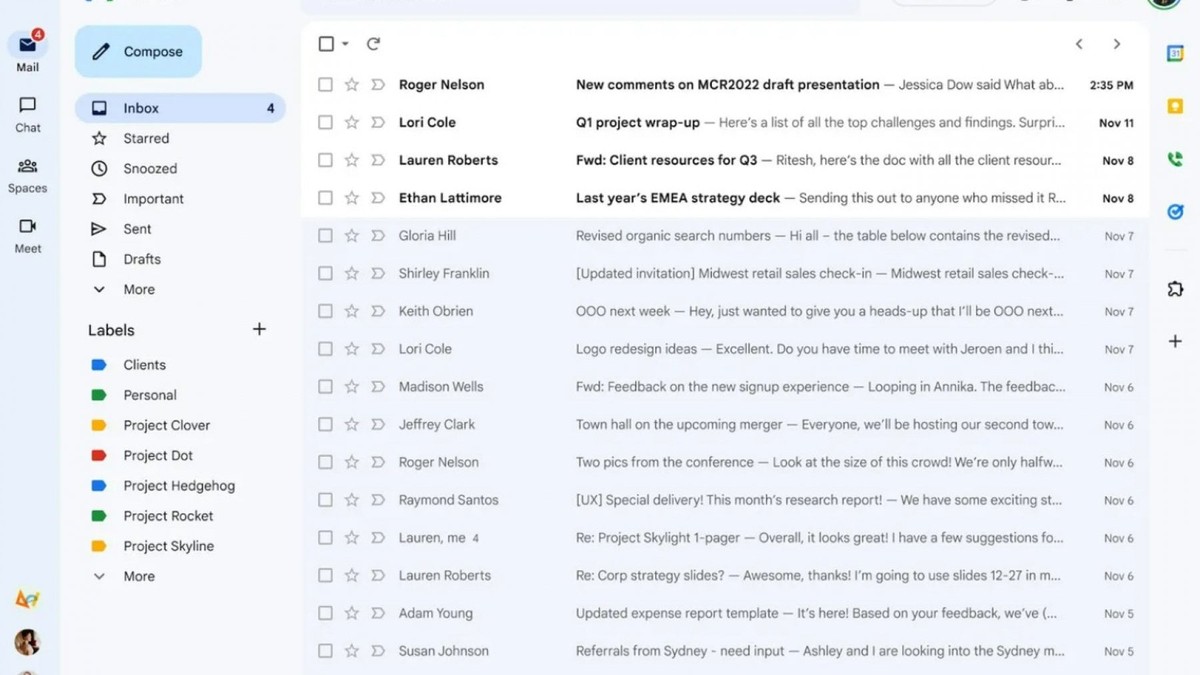
How to Import PST to Google Workspace With or Without Outlook
If you are thinking of exporting your emails to Google Workspace from Outlook PST file, think before you act. This is an extremely complex process. However, you don’t worry as you reached at the right blog that will teach you how can you import PST to Google Workspace within in a few minutes.
In this post, we will provide two methods, Manual and Automated Tool that can be used to Google Workspace import PST file.
Transferring PST to Google Workspace is a great way of organizing your data and keeping it safe. Before moving to the solution, let’s talk about Google Workspace.
Google workspace is a cloud-based collaboration suite that provides users with the software and storage needs for managing email, calendars, documents, and other items. Google workspace is a new tool that is offered by Google. It is designed to help you collaborate on all your projects in one place.
It is also meant to help you get organized and stay on top of your game all the time. To do this, it offers many features like an email account for your team, Google docs, chat and video conferencing tools, remote access to applications, etc.
Importing an old pst file can be one of the most important steps in making sure you don’t lose any data. PST File Converter Tool allows you to import your PST file into the suite so that you always have access to all of your data.
The support exporting PST from Outlook 2019, 2016, 2013, 2010 and other versions. It also ability to fix corruption from PST and Google Workspace import PST file.
In case you would like to transfer emails, contacts, calendar items from Outlook PST to Google Workspace, then you need to go through the following steps.
Important Note: You Need to Enable Less Secure Apps and IMAP from Gmail.
Free Download 100% Secure Buy Now30-Days Money Back
Step 1. Launch the tool and click Open >> Email Data Files >> Select PST File.
Step 2. Click Export and choose IMAP from the Email Services.
Step 3. Now, Enter your Account Credentials and IMAP Server.
Step 4. Click on Save button to start importing PST to Google Workspace.
Finished! This is how you can directly import PST file to Google Workspace in just a few simple clicks.
Advanced Features Provided by Tool4Mail Conversion Tool
- Support All Type PST: This wizard is capable enough to export all type of PST file. You can successfully import both ANSI and UNICODE PST to Google Workspace. Also, it supports password-protected PST file.
- No Outlook Required: The tool is totally independent; you do not need to require Outlook installation to import PST to Google Workspace.
- Import All Data Items: The software support to transfer all items from PST including emails, contacts, calendar data, tasks, notes, and journals.
- Date Filtering Available:: It also has advanced date filter option that allows you to export emails from specific time period. To do so, you only need to select the date to start the selective Google Workspace import PST process.
Manual Method to Upload PST file to Google Workspace
The manual approach to import PST to Google Workspace is divided into two parts. Follow the below steps to perform this task manually:
Part 1. Enable IMAP
- Login to your Gmail account and click on Settings.
- Click the Forwarding and POP / IMAP tab.
- Select the Enable IMAP option and click on Save Changes button.
- Next, go to https://myaccount.google.com/security and activate less secure apps.
Part 2. Google Workspace and Outlook Configuration
- Open your Outlook application and go to the File tab, click Add Account.
- Enter your G Suite email ID and click Connect.
- Outlook informs you that your G Suite account has been successfully configured. Click on Done to complete the configuration process.
Final Words
We mentioned both manual and automated solution to Import PST to Google Workspace. The manual method is lengthy and complicates too. You many face issues while executing the manual approach. So, it is advisable to use Tool4Mail Outlook PST file conversion tool that allows you to directly import PST file to Google Workspace. You can also download the tool to check its efficiency.
Also Read: Google Workspace Backup Solutions
Free Download 100% Secure Buy Now30-Days Money Back